Enable Hotspot Automatically When You Enter the Car
When you start your car, your multimedia system is automatically connected to your phone. WiFi Auto Hotspot enables a Wi-Fi hotspot automatically for you — no additional SIM cards or separate devices required.
Download on Google Play
How It Works in the Car
Your car's multimedia system needs internet for navigation, music streaming, and more. Instead of buying a separate SIM card or a dedicated device, just use your phone.
WiFi Auto Hotspot detects when your car stereo connects to your smartphone via Bluetooth and instantly activates the WiFi hotspot — so your multimedia system gets online the moment you drive away.
Pair Your Car via Bluetooth
Connect your car's multimedia system to your phone via Bluetooth as you normally would.
App Detects the Connection
WiFi Auto Hotspot automatically recognizes your trusted car Bluetooth device.
Hotspot Activates Instantly
Your WiFi hotspot turns on automatically — no manual action needed.
Hotspot Turns Off on Exit
When Bluetooth disconnects as you leave the car, the app turns off the hotspot automatically.
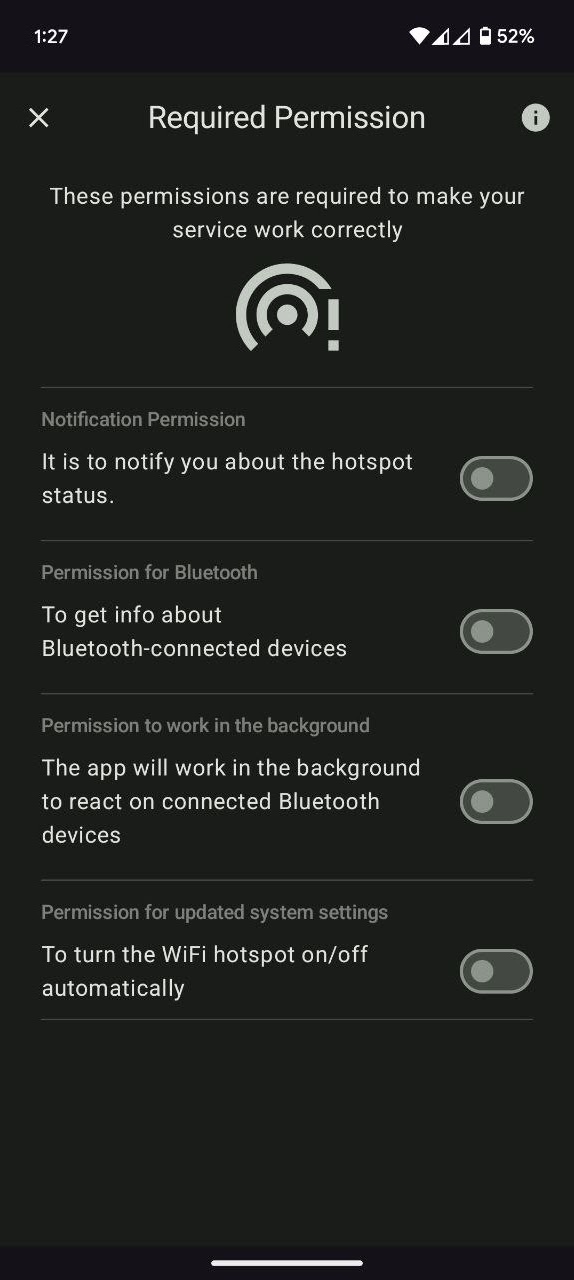
Permission Screen
After the initial launch, grant the app background permissions so it can monitor Bluetooth connections and activate your hotspot automatically.
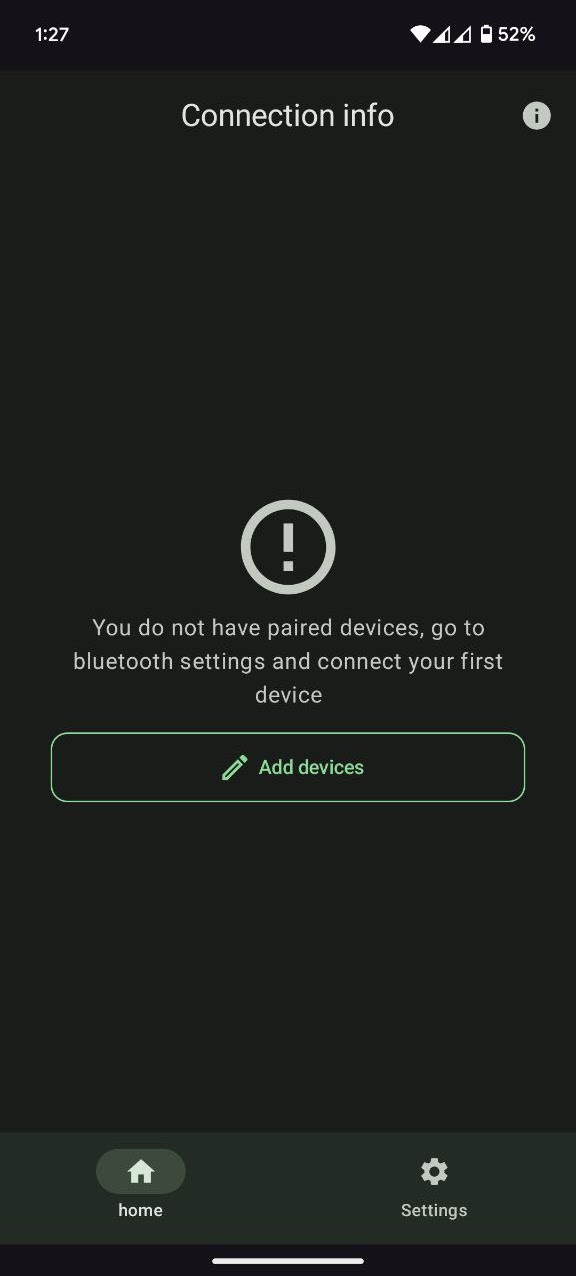
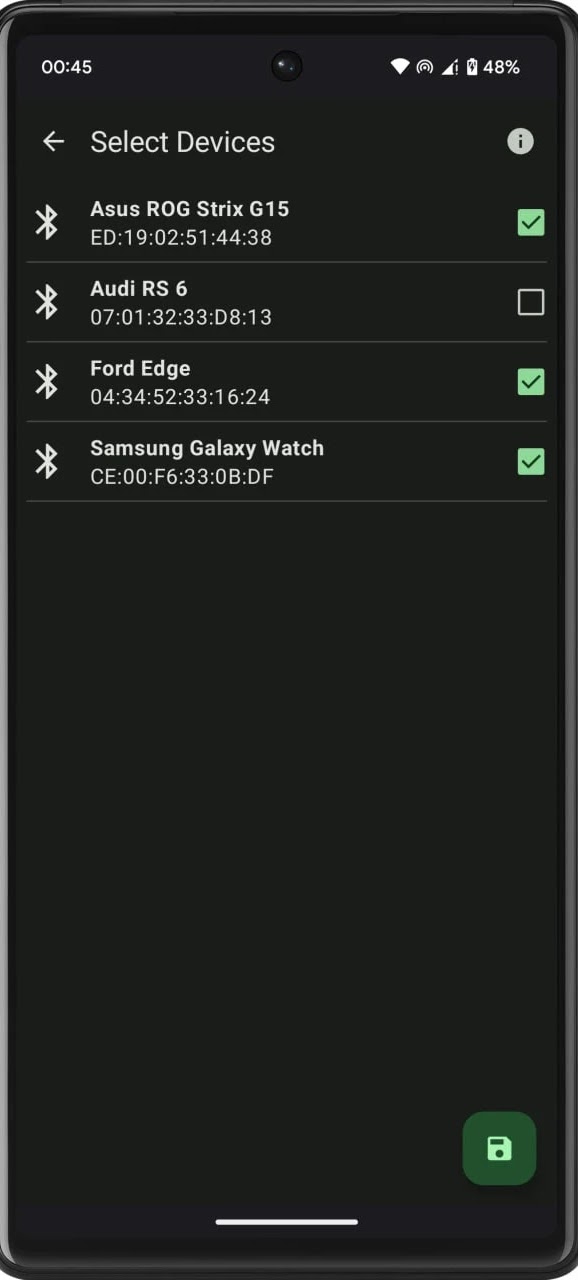
Select Your Bluetooth Device
Pick the Bluetooth device that needs internet connectivity — your car multimedia system. The app watches for that specific connection.
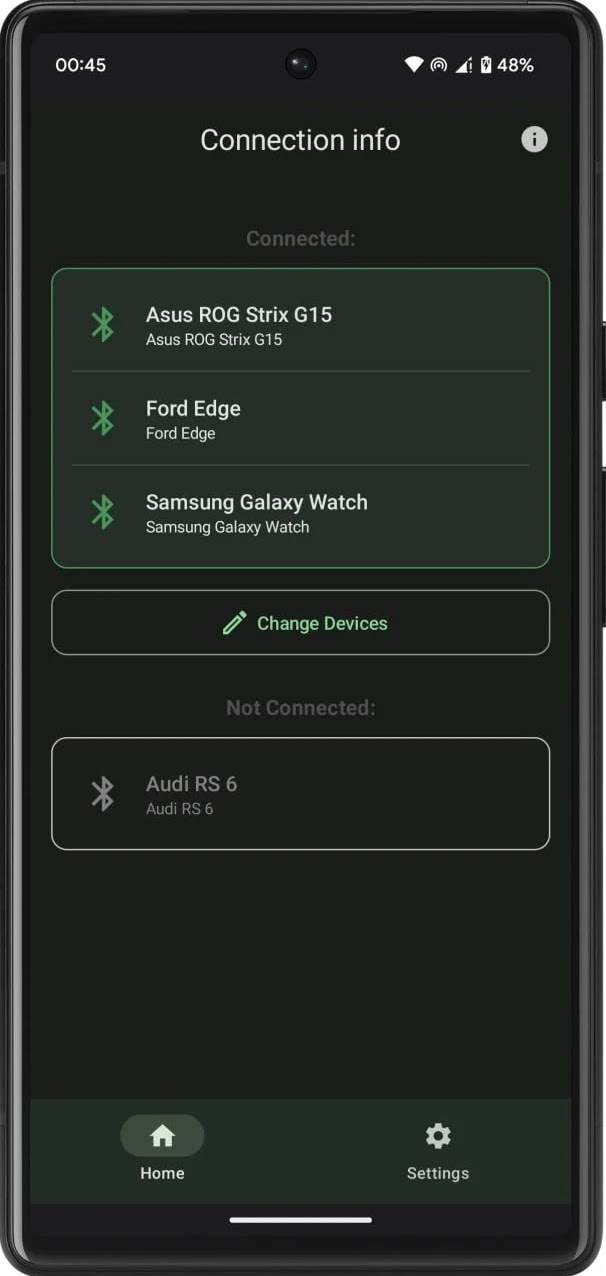
Auto Enable & Disable Hotspot
Once your selected Bluetooth device connects, the app enables your Wi-Fi hotspot automatically instead of you.
When Bluetooth devices disconnect or move out of range, the app turns off the WiFi hotspot without your interaction.
Questions?
Contact munspire@gmail.com to get more information on the project.