Stop Enabling Hotspot Manually
WiFi Auto Hotspot detects your car or laptop via Bluetooth and instantly activates your phone's hotspot — so you never have to touch a setting again.
Download on Google Play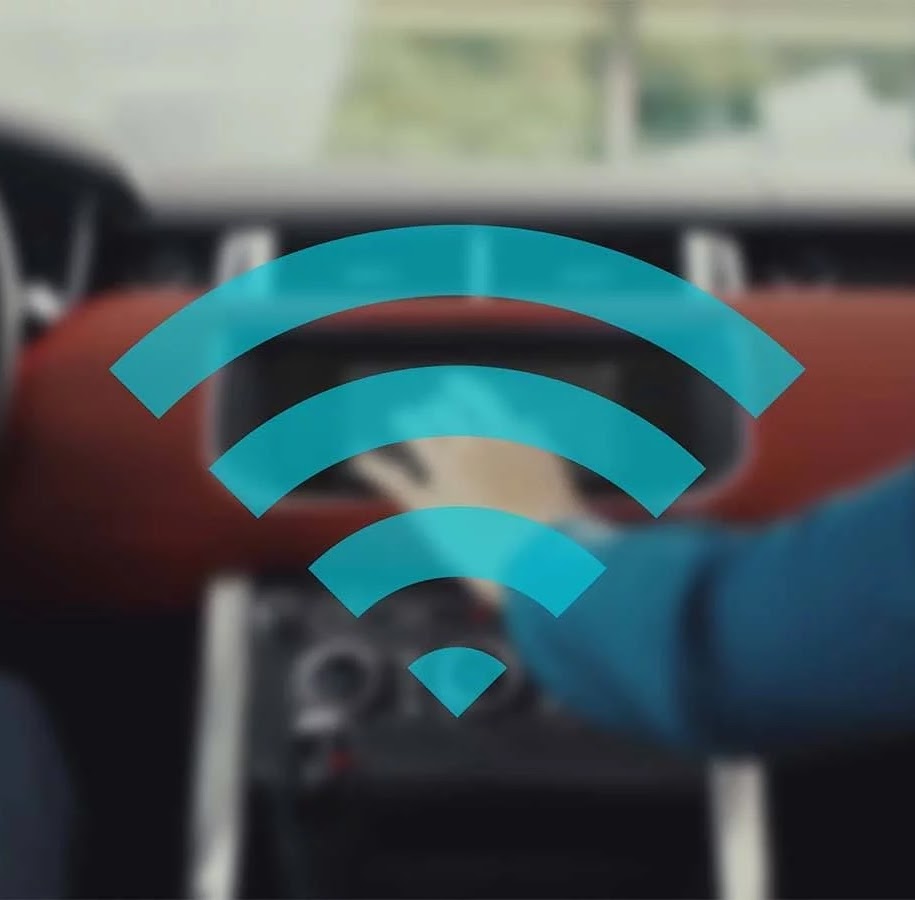
Useful for Car
Once you install WiFi Auto Hotspot on your smartphone, it's programmed to recognize your car's Bluetooth signal. As soon as you enter your vehicle and start the engine, your phone automatically detects the car's Bluetooth connection.
The moment your smartphone connects with your car's Bluetooth, WiFi Auto Hotspot activates the phone's hotspot feature without any manual intervention. This means you don't have to go through the hassle of setting up a hotspot each time you drive.
Learn more about car use →Useful for Laptop
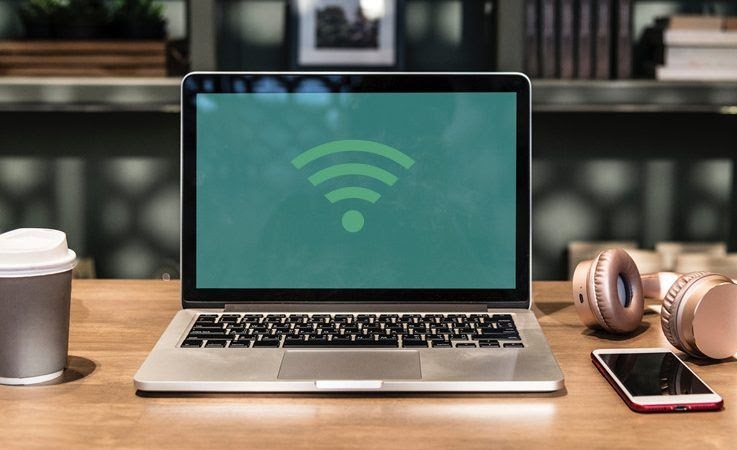
As soon as your smartphone detects a connection with your laptop's Bluetooth, it automatically turns on the WiFi hotspot function.
This automatic activation means you can start using the internet on your laptop immediately, without any manual setup or delay — whether you're working from a café, the park, or anywhere without Wi-Fi.
One App, Every Device
WiFi Auto Hotspot works with anything that pairs via Bluetooth.
For Cars
Your multimedia system gets internet automatically the moment you pair your phone — no extra SIM or device needed.
For Laptops
Open your laptop and it's immediately online. The hotspot is ready before you even open your browser.
For Tablets
WiFi-only tablets connect through your phone's hotspot, activated automatically the moment Bluetooth pairs.
Questions?
Contact munspire@gmail.com to get more information on the project.